
Shopify landing pages. Built in minutes.
Pick a product and add an offer, or let Instaflow choose the angle. It writes and builds the page in your brand, ready to review.
Your first page is free. No card needed.
A few brands we’ve worked with
 From product to page

From your products to your campaign page
Connect your store, pick a product and give Instaflow an idea to work with.
-
01Connect
Connect your store
Connect Shopify once. Your products, prices, reviews and brand come with it.
-
02Select
Choose your product
Pick the product you want the page to sell.
-
03Direct
Add your campaign idea
An offer, an audience or a claim to lead with. Or let Instaflow choose the angle.
-
04Review
Review your page
Approve the plan, then edit the finished page and publish it.


Your first page is free. No card needed.
Give every ad a page that matches it
A product page has to talk to everyone. A landing page talks to the shopper who clicked, and finishes the story the ad started.
Example ads
Instaflow
The page Instaflow builds
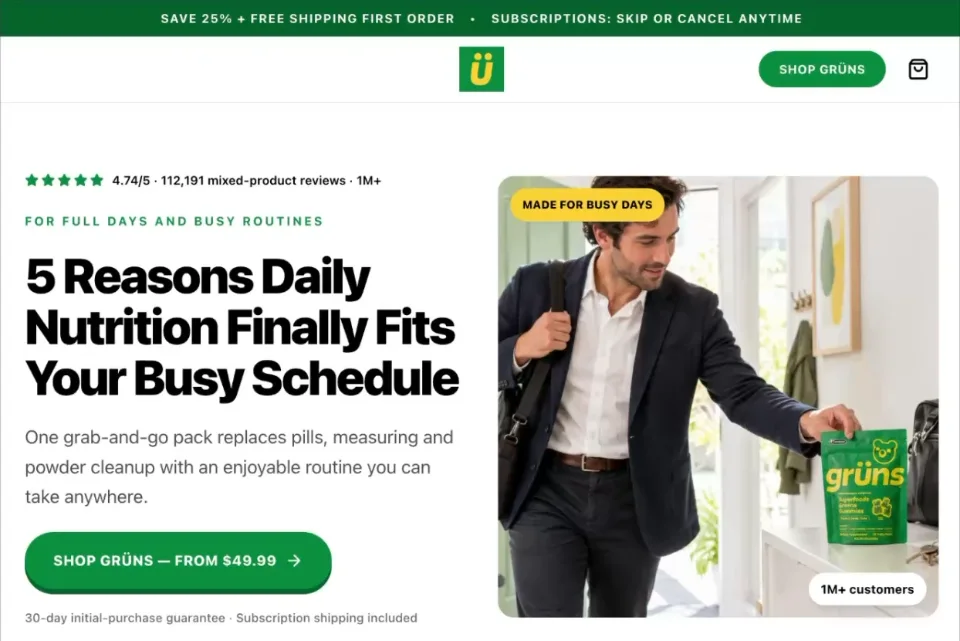
Listicle· Grüns
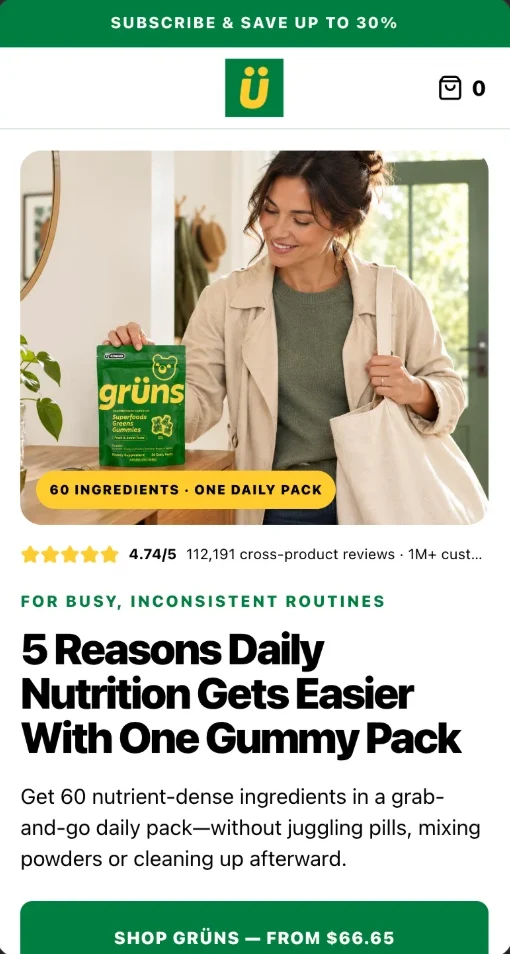

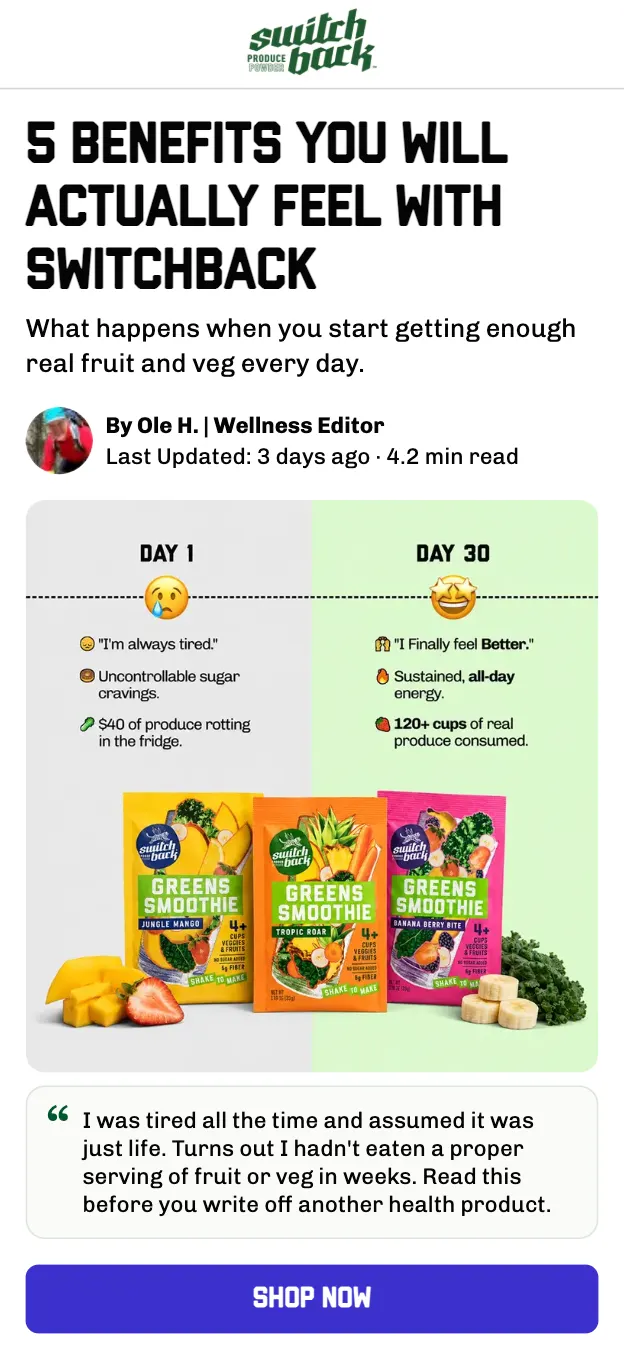
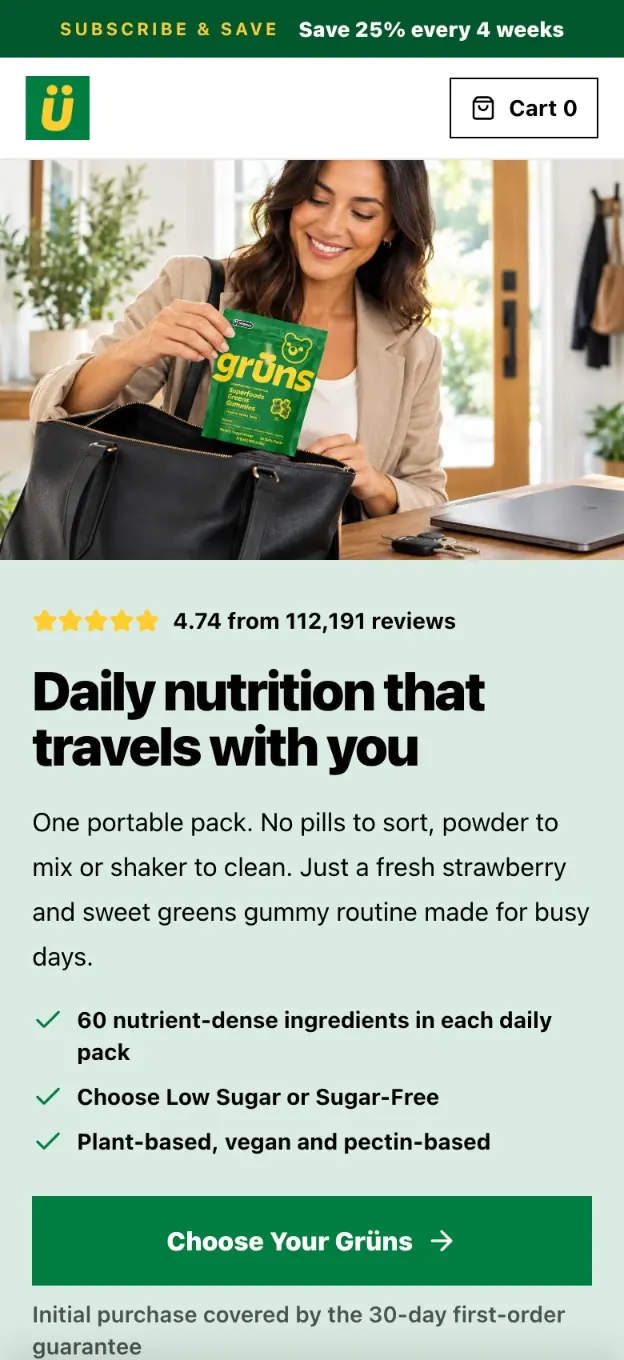

“Too busy for a nutrition routine?”
Reasons to believe, one per section, for shoppers who already know the problem.
Instaflow recommends a format for each ad and tells you why. You can always pick another.
Every page, wired to your store
Instaflow builds on your Shopify store, so the page looks like your brand and sells through your own checkout.
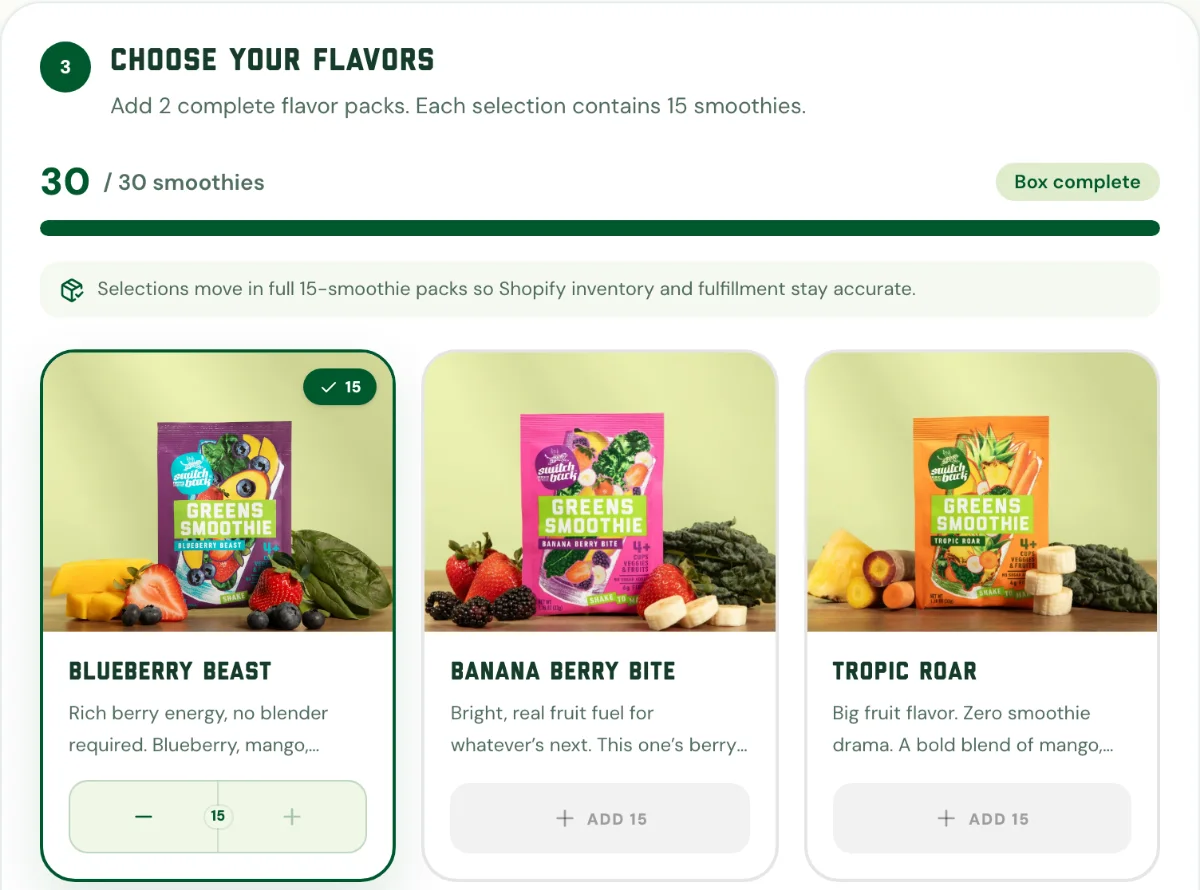
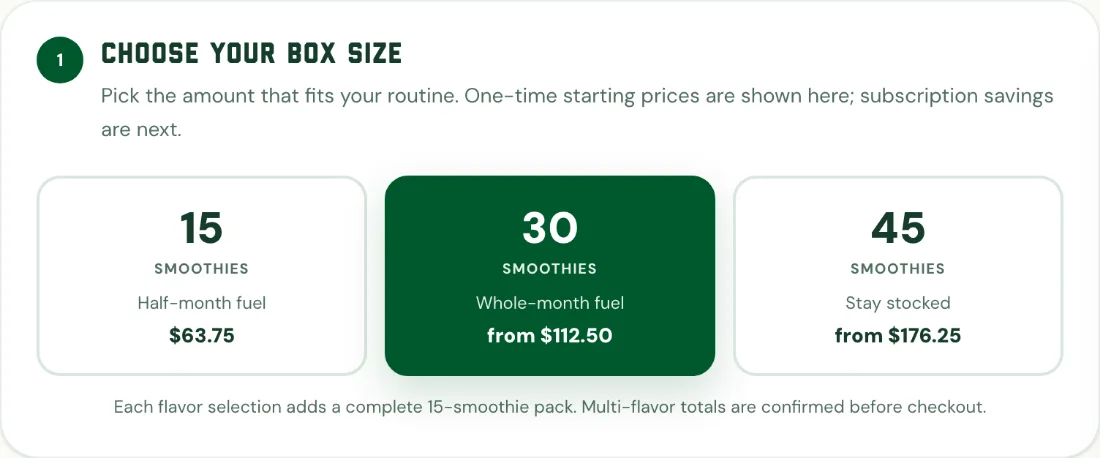
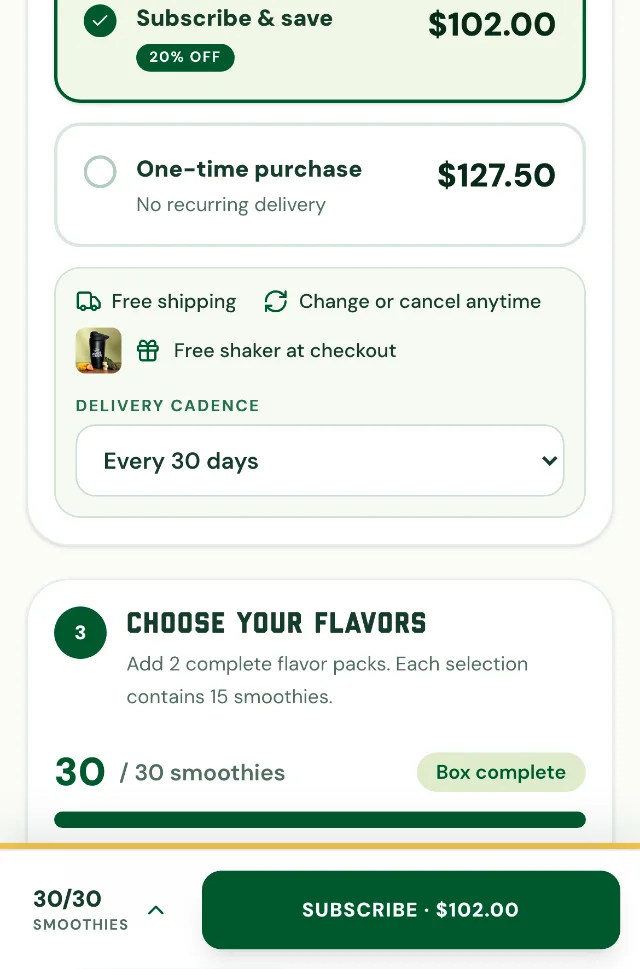
Bundles and box builders. Shoppers pick a size and mix their flavours, with prices and savings that update as they go.
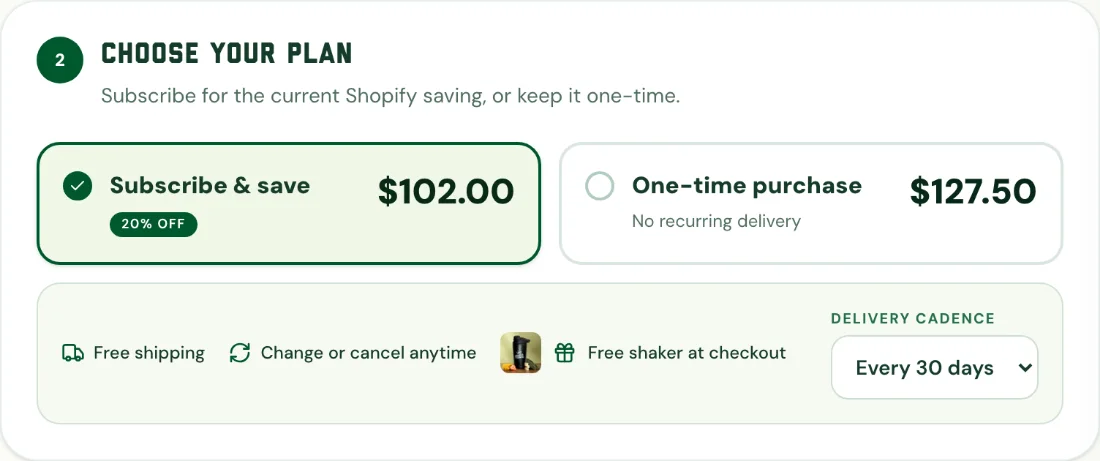
Subscriptions and variants. One-time or subscribe and save, with your delivery cadence and plan discounts.
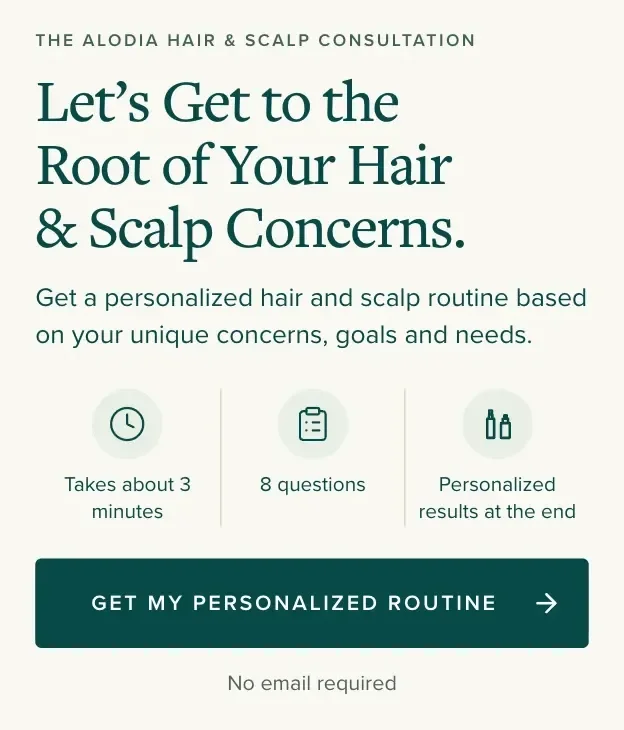
Quizzes that find the fit. A few questions, then the right product or routine from your range.
Your own Shopify checkout. Add to cart goes through your store, so checkout and analytics work as they do today.
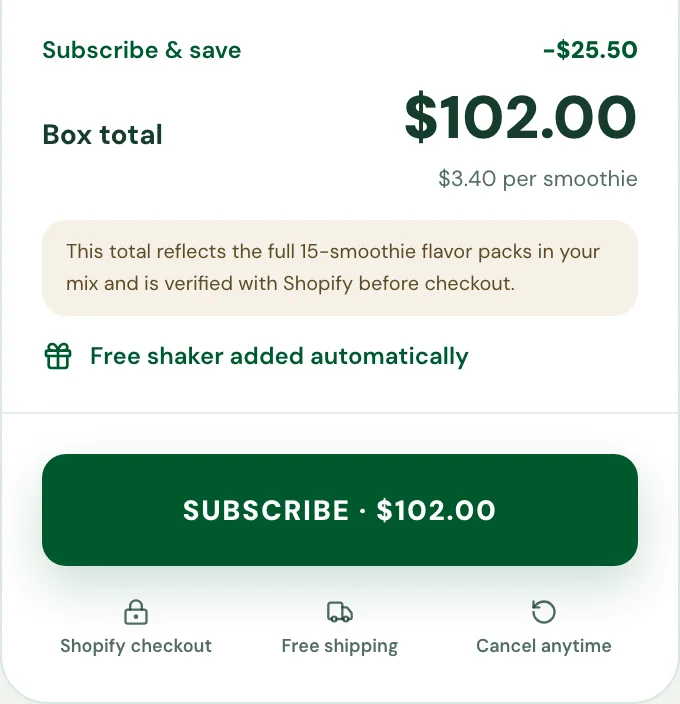
Built for the phone first. A buy bar stays in reach as shoppers scroll.
- Your logo, colours and type
- Reviews and answers from your store
- Every version saved
Edit it, publish it, see what sells
Every page stays yours to change after it’s built, and nothing in your Shopify theme changes when you publish.
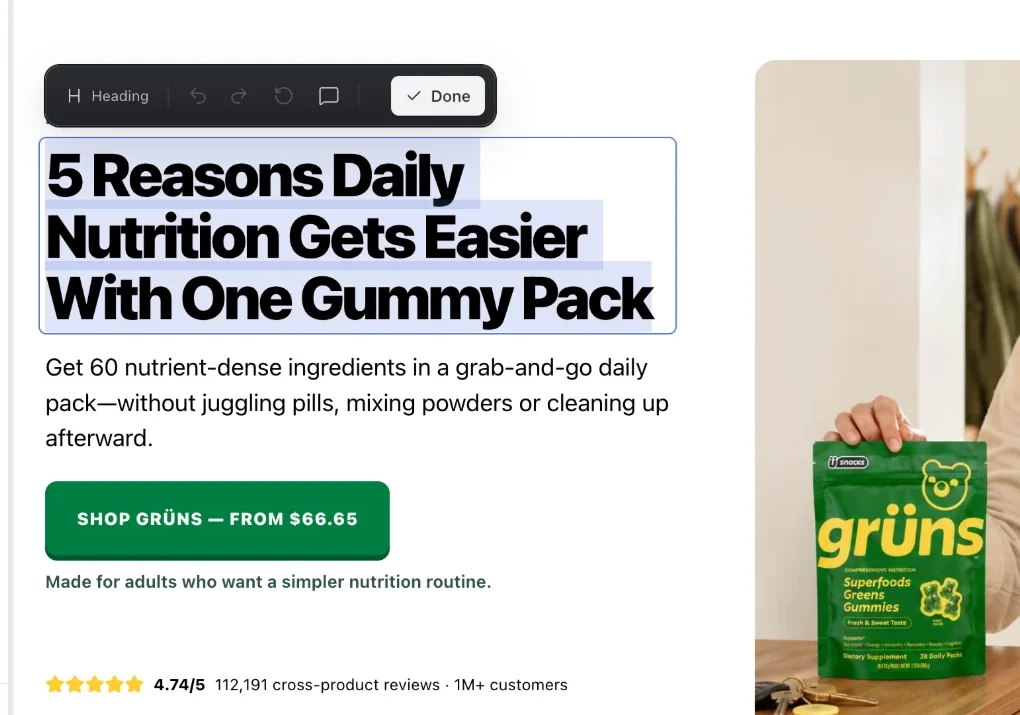
Click any text to change it. Select a heading or a section on the page and type over it. Undo and redo are right there in the toolbar.
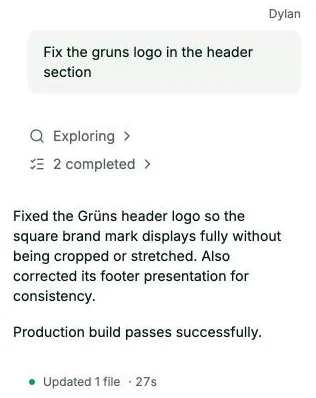
Or ask for the change. Type “fix the logo in the header” and the page updates. Every change is saved as a version you can roll back to.
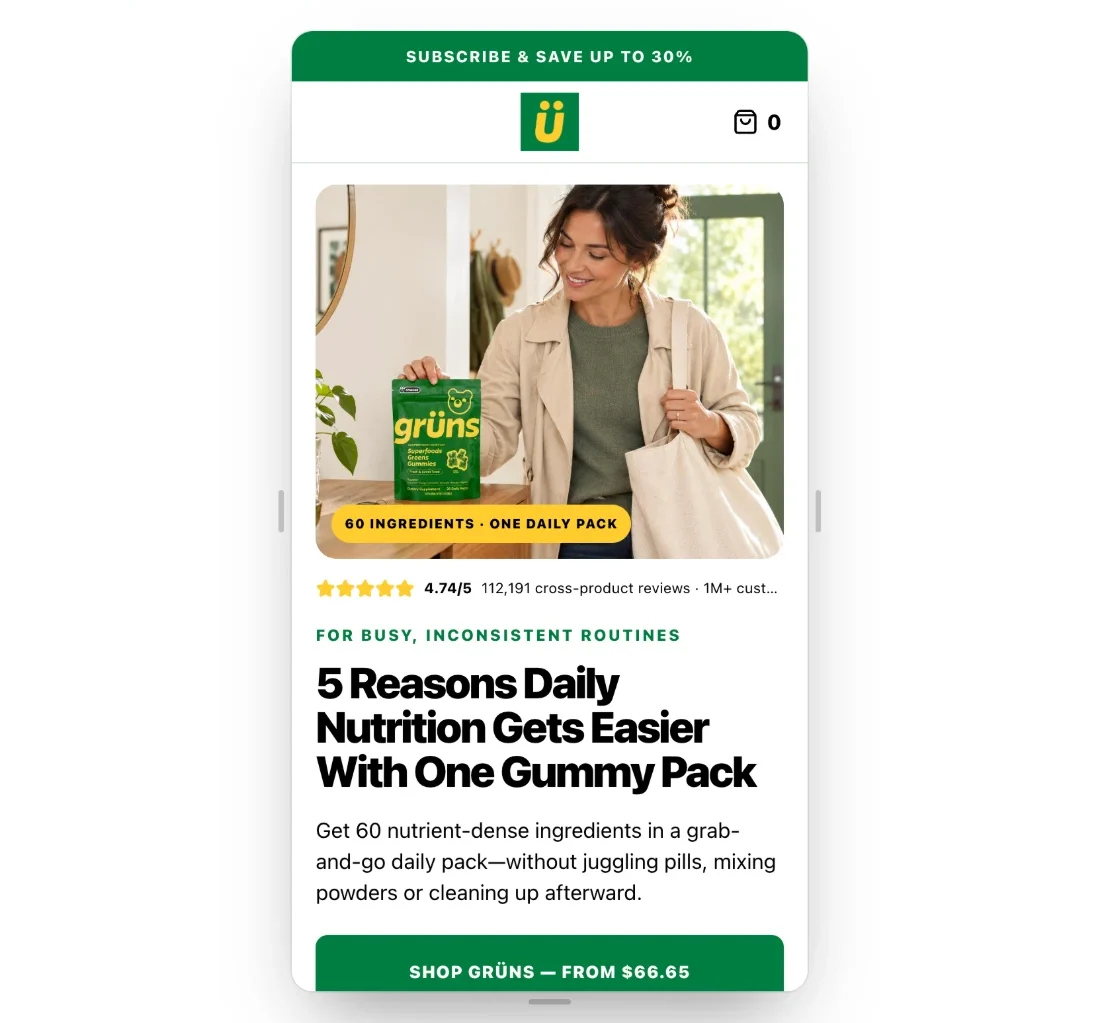
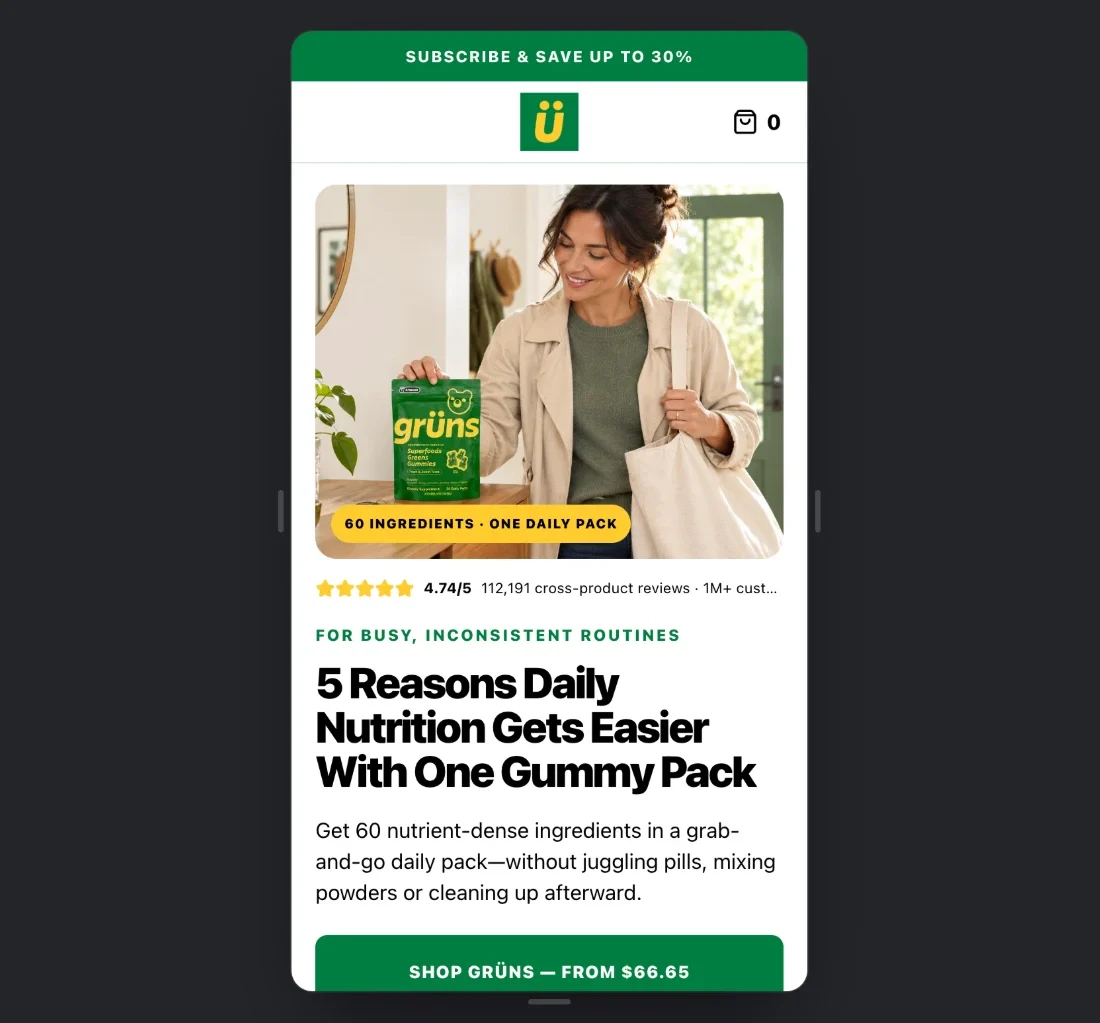
Check it on a phone. Switch the preview to phone, tablet or desktop before it goes out, because phones are where your ads send people.

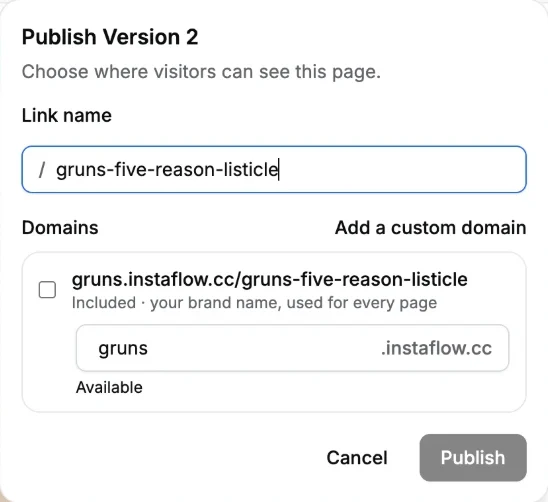
Publish to your own domain. Every brand gets a free link, like gruns.instaflow.cc. Connect your own domain when you’re ready, then see visitors, add to carts and revenue for each page.
Start free, upgrade when a page is working
Your first page is free, on an instaflow.cc link, with no card. Paid plans add your own domain, analytics and more pages.
Free
Start free$0 forever
See what one page can do.
- 1 landing page generation
- Instaflow subdomain
- Limited edit budget
- Instaflow footer link
- No custom domain
- No analytics access
Growth
Coming soonComing soon$299 /month
For media buyers running a live ad account.
- Inbuilt server-side analytics
- Edit budget for up to 10 landing pages
- Email support
Scale
Coming soonComing soon$499 /month
For agencies and brands testing creatives at volume.
- Everything in Growth, plus
- Connect multiple Shopify stores
- Priority support
- Edit budget for up to 20 landing pages
- Early access to new features
Built by people who build Shopify pages for a living
Instaflow comes from Propeller Digital, a Shopify CRO agency. We built it to do the research and first build we were doing by hand for every client.
- Dylan
- Oliver
- Paddy
- Vitor
Frequently asked questions
Still deciding? Email support@instaflow.ai.
The pages
What kinds of pages can Instaflow build?
Listicles, quizzes, advertorials and product pages, each for one product. It recommends a format for each ad and tells you why.
Will the page look like my brand?
Yes. Instaflow reads your store first, so the page uses your products, images, colours and the way you already describe them.
Can I change the page after it’s built?
Yes. Edit any text right on the page, or ask for bigger changes in the chat. Each version is saved, so you can roll back.
Who writes the copy?
Instaflow drafts it from your product page, reviews and FAQs, using the angle you approved. You can change any line.
Your store
Will Instaflow change my Shopify theme?
No. Pages are published outside your theme, on an instaflow.cc link or your own domain. Nothing in your store changes.
Can I use my own domain?
Yes, on paid plans. Connect a domain or subdomain and Instaflow checks the DNS for you.
Can I connect more than one store?
Yes, on the Scale plan, so an agency can run every client from one workspace.
Pricing
What do I get for free?
One landing page on an instaflow.cc link, with a limited edit budget. No card needed.
Can I cancel any time?
Yes, from billing settings. Your pages stay live until the end of the period you’ve paid for.


Your next ad deserves its own page
Connect your Shopify store and build your first landing page free.
Try one page freeNo card needed.